
Frequently Asked Question
How to Login to the Mitel Connect Client
Last Updated 7 years ago
If you have already logged into the client you will need to first perform the logout action. If you have yet to login or just currently at the login screen you can go right to the SSO Login to the client section.
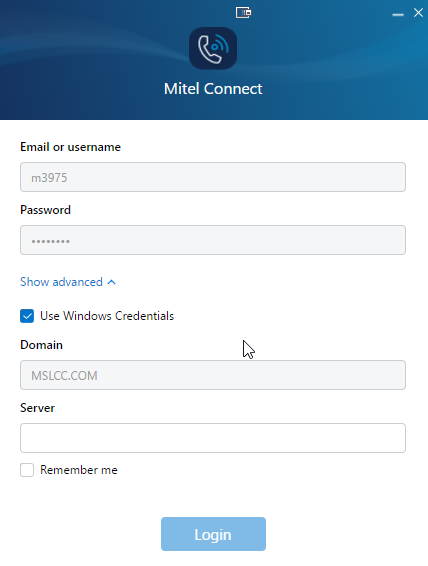
This will auto populate the Email or Username, Password, and Domain for you
Logout of the client
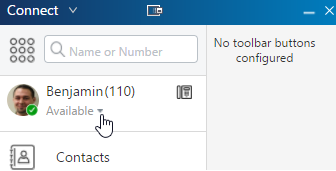
1.Select the dropdown indicator arrow to the right of your current call handling more.
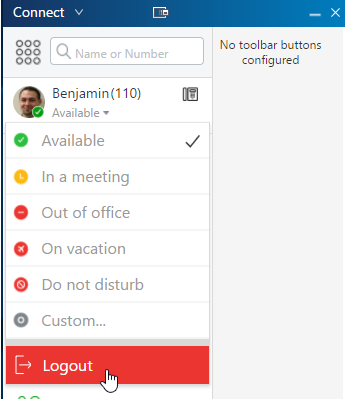
2.Select “Logout” from the call handling mode list
SSO Login to the client
1. Open the Mitel Connect Application from the start menu or desktop.
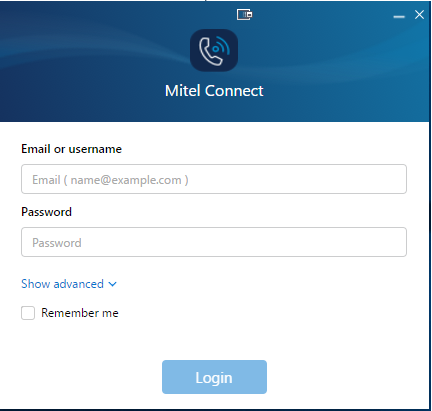
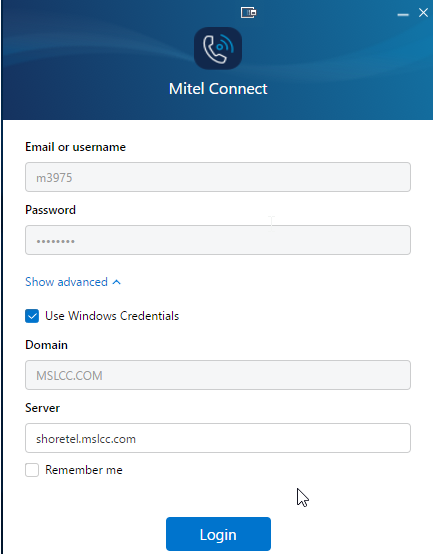
2. You will be asked to enter your information
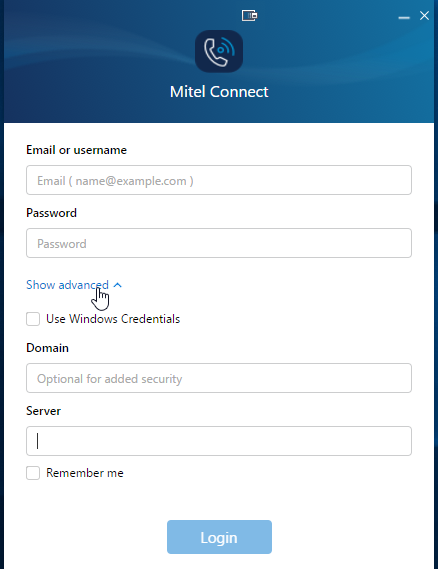
3. Select "Show advanced"
4. Check "Use Windows Credentials"
This will auto populate the Email or Username, Password, and Domain for you